Back to projects

Internal Platform for Employee Development

An employee development platform used by 3,000+ people to create and manage Personal Development Plans, track progress and collaborate with mentors.

EnterpriseWeb appInternal toolHRTech
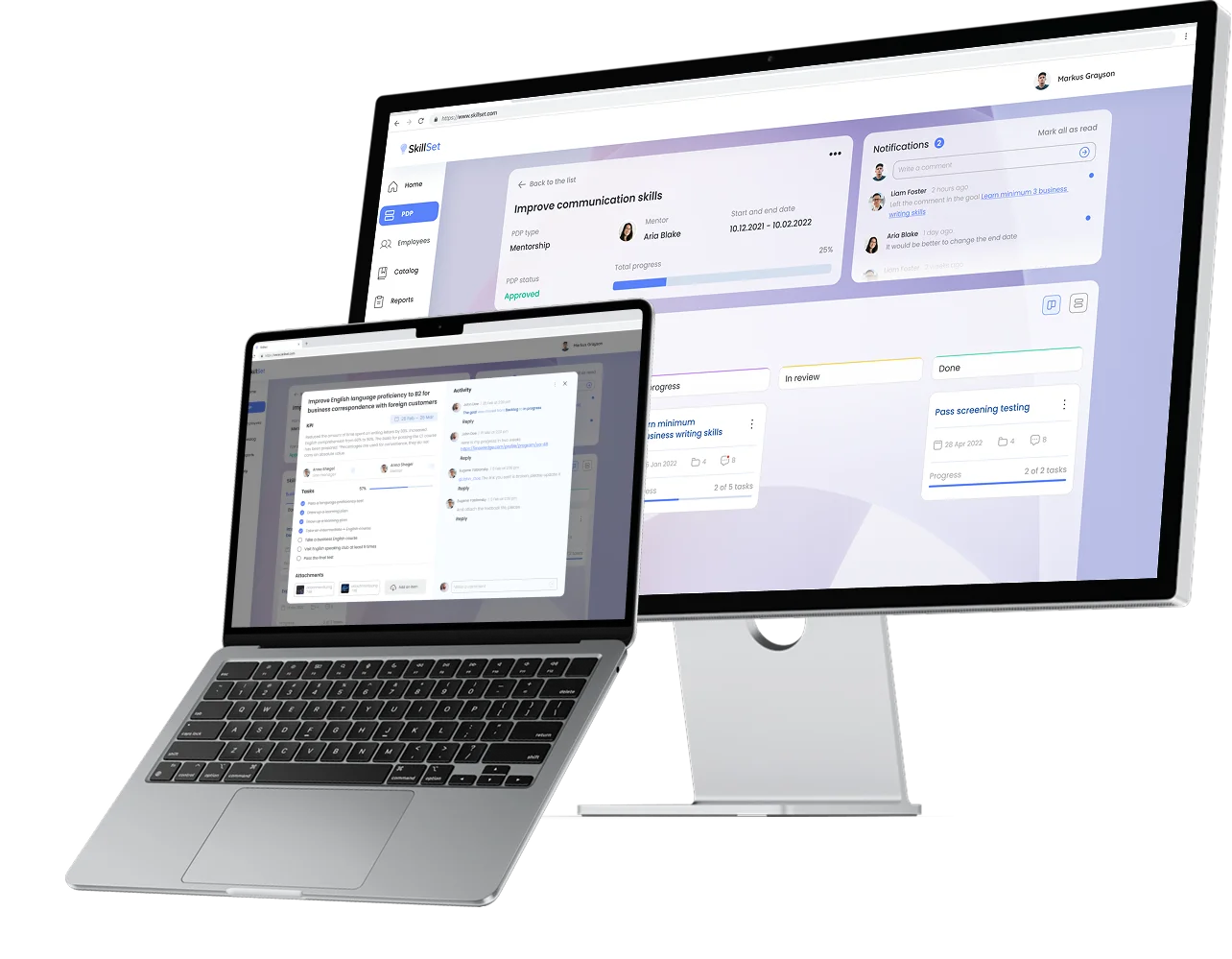
PDP platform shown on desktop and laptop
RoleProduct Designer

PDP experience, employee workflows and mentor collaboration.

ScopeEnd-to-end product design

Research, UX/UI, prototyping and validation.

TeamCross-functional enterprise product team

Product Owner, 2 Business Analysts, Systems Analyst, 3 Developers.

Challenge

The PDP experience was difficult to use independently: employees relied on external instructions to understand the process, the mentor–mentee approval flow was unclear, and an unintuitive interface made key actions and next steps hard to understand.

Business Goal

Create a clear, self-service PDP workflow for 3,000+ employees that supports goal setting, progress tracking, and mentor approval while reducing reliance on instructions and manual support.

Results

— New workflow simplified goal planning and improved collaboration between employees and mentors
— Reduced reliance on external documentation and manual support
— 20% fewer support tickets after launch

Scope of work

Research

Review of existing workflows, documentation, and internal tools to identify key usability issues.

Stakeholder interviews

Conversations with the T&D team to understand expectations, requirements, and pain points.

Architecture

Designing the PDP workflow and user flows to ensure clarity and efficient navigation.

Wireframes

Developing the structure and layout of the PDP editor and key interaction patterns.

Final design

Creating the visual interface, UI components, and interaction states.

Development support

Collaborating with developers during implementation and testing.

UX Audit Findings

An audit of the existing platform revealed structural and interaction issues that reduced usability and made the PDP workflow harder to understand.

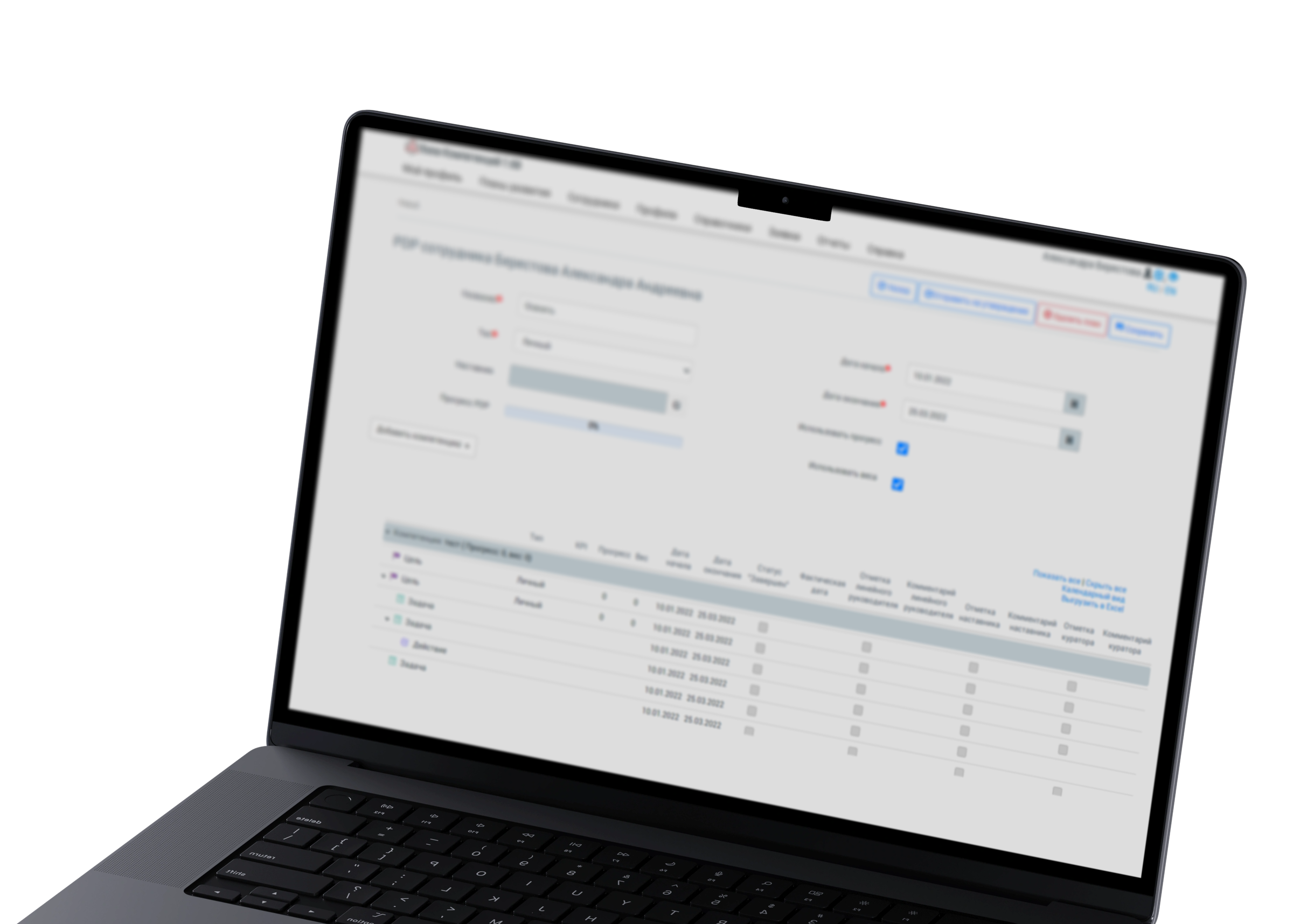
Previous PDP interface displayed on a laptop

Ambiguous navigation & labeling

Unclear labels and navigation forced employees to rely on external instructions to understand where to go and what to do.

Fragmented interaction patterns

Inconsistent components and interaction patterns reduced predictability and increased the effort required to complete common tasks.

Weak information hierarchy

Key actions, statuses, and next steps were difficult to scan, making the PDP workflow harder to understand.

Unclear PDP progression

The workflow did not clearly communicate stages, responsibilities, or next steps between employees and mentors, creating uncertainty around review and approval.

User Research Insights

We interviewed 10+ users to identify key usability issues in the PDP interface.

User avatar

Feedback and Communication

Communication with mentors was limited — the interface only supported one-way feedback for specific goals.

Two-way feedback

Introduced two-way communication with mentors through built-in comments and messaging in the PDP interface.

User avatar
User avatar

Lack of flexibility

Users could not edit PDPs after approval, making updates and adjustments difficult.

Editing mode

Introduced an editing mode allowing updates after approval, with changes reviewed by mentors or managers.

User avatar
User avatar

Unclear structure and navigation

Information overload and unclear structure made it difficult for users to focus on key elements.

Review of information structure & UI redesign

Redesigned the information structure and interface to clarify hierarchy and simplify interactions.

User avatar
User avatar

Progress & achievements tracking

Users struggled to track progress due to the lack of clear visual indicators.

Progress Tracking

Introduced goal sections, progress indicators, and visual tools to track achievements more clearly.

User avatar

User Scenarios

Employees create and manage their Personal Development Plans independently, while mentors provide feedback and guidance when needed.
The workflow was designed to balance employee autonomy with mentor supervision during goal planning and approval.

Employee

Employee side

  • Create PDP
  • Edit goals
  • Submit for approval
  • Complete tasks
  • Leave comments
Line manager

Line manager side

  • Approve PDP
  • Reject PDP
  • Provide feedback
Mentor

Mentor side

  • Approve PDP
  • Reject PDP
  • Provide feedback

Final design decision

Progress management

Editing the PDP

Controlled editing

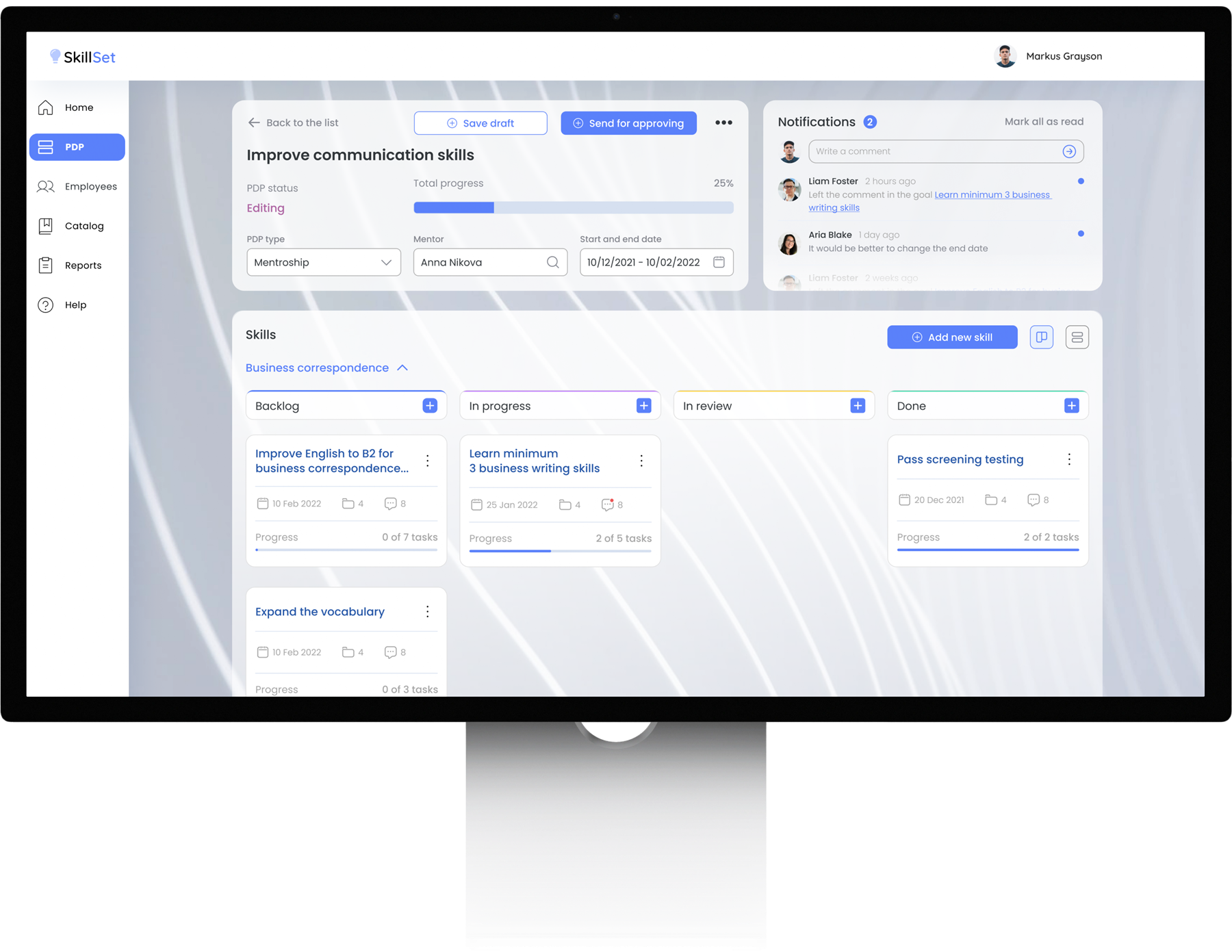
The PDP is locked for other users during editing to prevent conflicts in the approval process.

Flexible PDP settings

Employees can update the PDP type, mentor, and timeline while editing.

PDP editing screen displayed on a desktop monitor
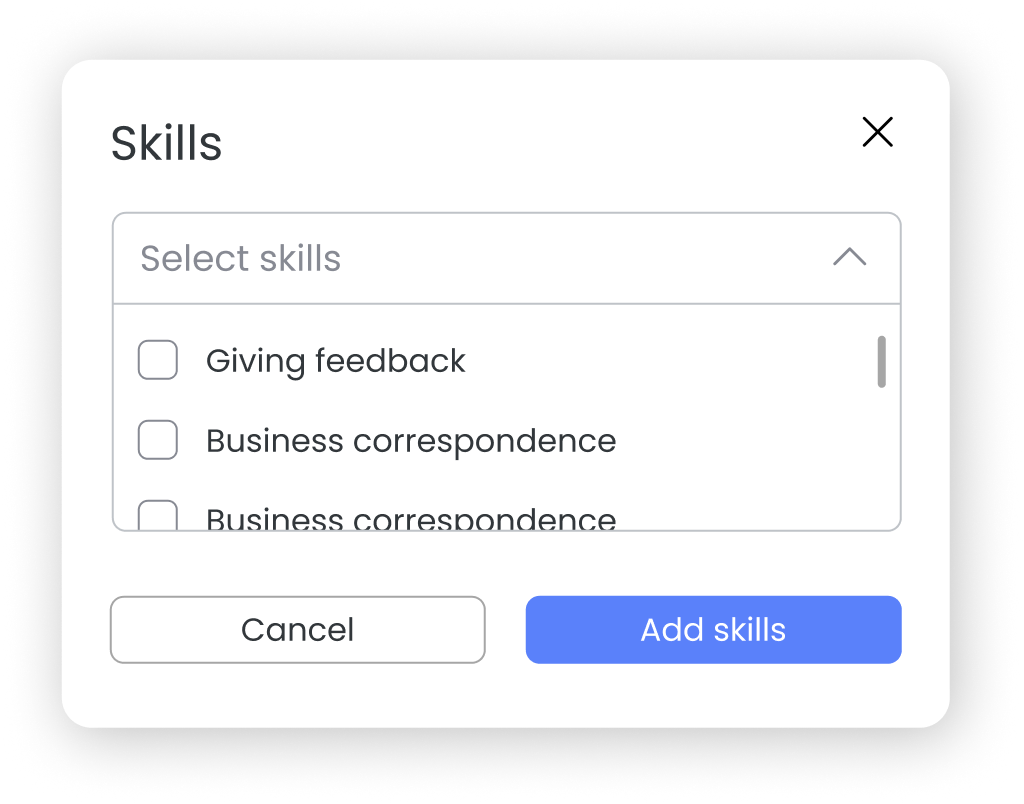
Skills selection modal

Flexible goal structure

Employees can add skills and create goals within each skill directly from the board.

Task details & updates

Key learnings

Designing for independence means making the process explain itself

Clear roles reduce workflow friction

Making employee and mentor responsibilities explicit helped simplify the review and approval process.

Self-service depends on visibility of next steps

Users need to understand not only what they can do, but what happens next and who is responsible.

Internal tools benefit from product-level consistency

Reusable interaction patterns and clearer hierarchy made the platform easier to navigate without relying on external instructions.